Excel vs Google Sheets vs Apps - What’s the Best Way to Budget?
Managing your money well starts with one essential skill: budgeting. But with so many tools available, how do you choose the best one? Should you build your budget in Excel, use Google Sheets, or rely on a budgeting app?
Each has its strengths - and the right choice depends on your habits, goals, and preferences. In this guide, we’ll break down how these budgeting methods compare, help you identify which suits your lifestyle, and show you how to start building your budget effectively.
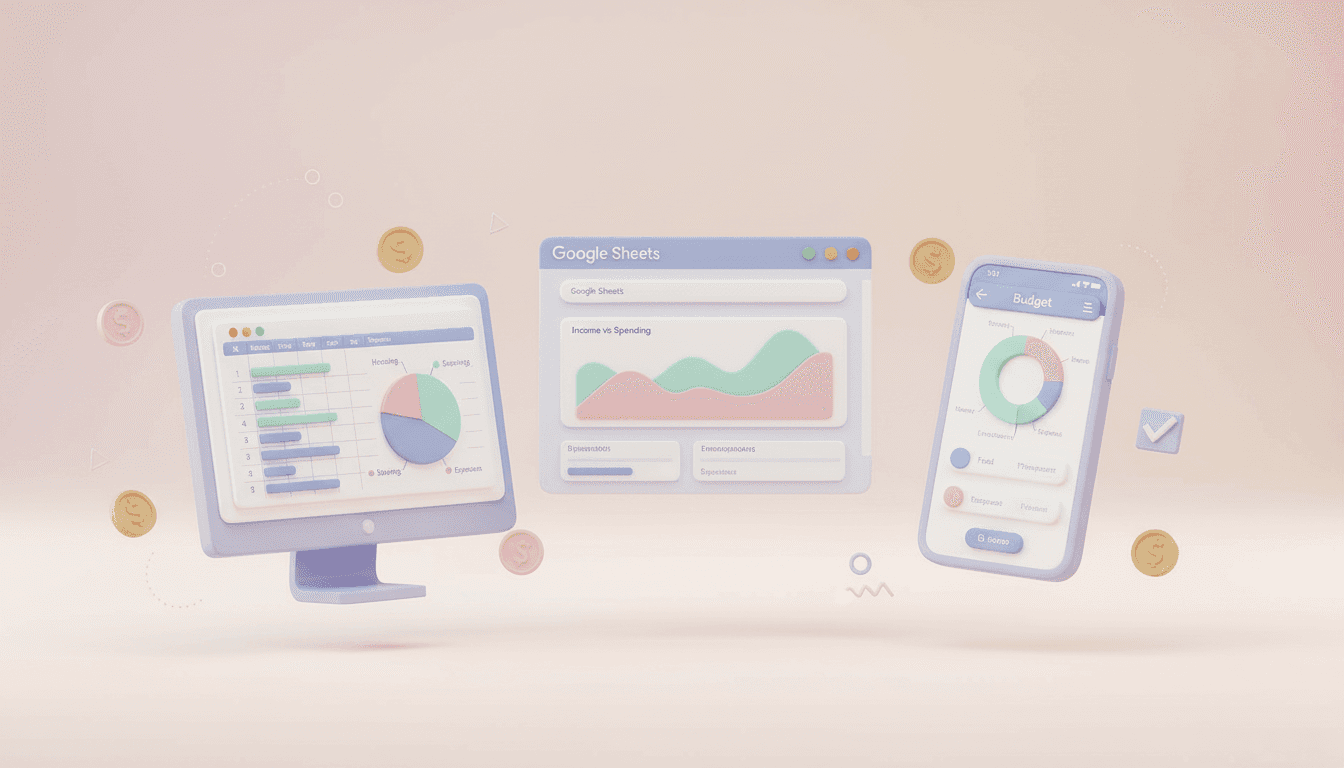
Why Your Budgeting Tool Matters
A budget isn’t just a spreadsheet of numbers — it’s the cornerstone of your financial plan. The format you use will affect how often you update it, how visible your progress is, and ultimately, how likely you are to stick with it.
For UK readers balancing monthly bills, household expenses, and savings goals, the right tool can make all the difference. Whether you prefer traditional spreadsheets or a modern budgeting app, what matters most is consistency and clarity.
Option 1: Budgeting with Excel
For many, Microsoft Excel feels like the natural place to start. It’s familiar, powerful, and flexible — making it great for anyone who wants complete control.
Pros of Using Excel:
Highly customisable – You can design your own categories, charts, and formulas.
Advanced functionality – Great if you’re comfortable with functions, pivot tables, or creating your own summary tabs.
Offline access – You can update your budget without an internet connection.
Cons of Using Excel:
Steeper learning curve – If you’re not fluent in Excel, setting up formulas can feel daunting.
Manual updates – You’ll need to input your spending and income manually unless you automate with add-ons.
Limited mobility – Editing on your phone or tablet isn’t as seamless as other options.
Best for:
Those who love spreadsheets, enjoy customising layouts, and don’t mind updating figures manually.
Pro Tip: If you’d like to skip the complex setup, you can use our ready-made Budget Template — downloadable to Excel and designed specifically for UK households. It’s easy to adjust for your income and bills, so you can get started in minutes.
Option 2: Budgeting with Google Sheets
If you prefer accessibility and collaboration, Google Sheets may be the better choice. It’s web-based and automatically saved to your Google Drive, meaning you can access your budget from anywhere.
Pros of Using Google Sheets:
Real-time updates – Perfect if you share finances with a partner or flatmate.
Free to use – You only need a Google account.
Accessible everywhere – Works on your laptop, phone, or tablet.
Easier automation – You can link Sheets with Google Forms, or use add-ons like Tiller (for importing bank data, though availability for UK banks is limited).
Cons of Using Google Sheets:
Dependent on internet connection – Offline use requires planning ahead.
Limited data security – Be cautious when linking or sharing sensitive financial data.
Still manual for most UK users – Automatic bank feeds are less integrated than some apps provide.
Best for:
Budgeters who value flexibility and collaboration, particularly couples or shared households managing joint money.
The Next Steps Budget Template is built on Google Sheets — making it simple to get a clear picture of your income, spending, and savings each month.
Option 3: Budgeting with Apps
Modern budgeting apps such as YNAB (You Need A Budget), Emma, and Snoop have transformed how people manage money. They connect directly to your UK bank accounts and update transactions automatically — no spreadsheets required.
Pros of Using Budgeting Apps:
Automatic syncing – Your spending is tracked without manual data entry.
Visual dashboards – Easy-to-read charts and insights show where your money goes.
Alerts and reminders – Get notifications before bills are due or when you’re overspending.
Behaviour-based insights – Some apps categorise spending and suggest savings opportunities.
Cons of Using Budgeting Apps:
Subscription costs – Many of the best apps charge monthly or annual fees.
Less flexibility – You can’t always customise categories or formulas.
Privacy and data sharing – You’ll need to grant access to your bank accounts, which isn’t for everyone.
Best for:
People who want automation and convenience. If you prefer the ‘set it and forget it’ approach, an app may keep you more consistent than a spreadsheet.
How to Choose the Right Budgeting Method
If you’re not sure where to start, ask yourself these questions:
Do you enjoy working with spreadsheets?
If yes, Excel or Google Sheets will give you more control.
Do you want to track spending automatically?
If so, a dedicated budgeting app will save you time.
Do you share money management with someone else?
Google Sheets is ideal for joint visibility.
Are you focused on building good habits?
Apps with goal-tracking and alerts might help you stay accountable.
Ultimately, the best budgeting tool is the one you’ll use consistently.
Step-by-Step: Starting Your Budget
Regardless of the tool you choose, the steps are largely the same:
List your monthly income — Include all regular sources such as salary, benefits, or side income.
Record your expenses — Use categories like rent, utilities, food, transport, and entertainment.
Track your actual spending — Update regularly or let your app import transactions.
Review and adjust — Identify overspending areas and redirect savings to your goals.
Stay consistent — Check in weekly or monthly to keep your financial plan on track.
For a detailed walk-through, see our main Budgeting Guide for step-by-step support and strategies.
Final Thoughts
There’s no one-size-fits-all answer in the Excel vs Google Sheets vs Apps debate — the right tool depends on your habits, confidence with technology, and how hands-on you want to be.
If you love control and customisation, Excel will serve you well. If accessibility and collaboration matter most, Google Sheets is a brilliant option. And if you want automation and convenience, modern budgeting apps can simplify your life dramatically.
Whichever you choose, remember the goal isn’t perfection — it’s progress. Use the method that helps you understand where your money goes and keeps you motivated to stay on track. And if you’re ready to get started today, download our pre-built Next Steps Budget Template to take your first step towards confident, organised money management.
Key Takeaway:
The best budgeting method is the one you’ll actually use — so pick your tool, commit to consistency, and let your budgeting routine guide you to financial freedom.